TIMEGLOW • GLANCE MODE
A focus timer without countdown distraction
If you want a focus timer without countdown distraction, TimeGlow lets the timer fade into the background while still keeping you aware of where you are in time.
Why use a focus timer without countdown distraction?
A timer can help create structure, but constantly checking the number can become its own distraction.
Hide the number
Glance Mode lets you work without keeping the exact countdown visible all the time.
Keep visual awareness
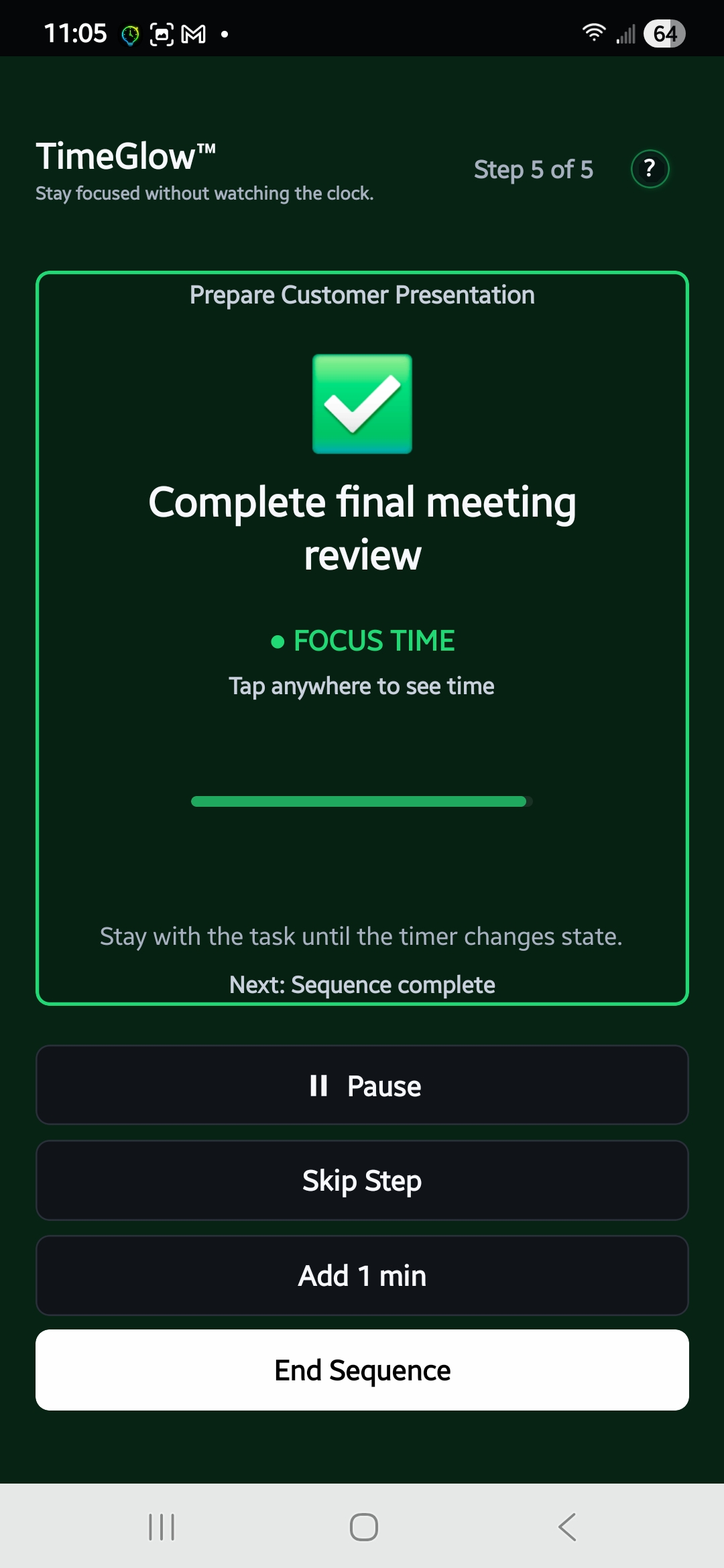
Color stages still tell you whether you are in focus time, wrapping up, or past the planned end.
Reveal exact time briefly
When you really want the number, tap to check it and then return to the cleaner visual display.
See Glance Mode and visual timing in action
A focus timer without countdown distraction still needs to keep you oriented. TimeGlow uses green, yellow, and red states as the primary signal, while Glance Mode lets you reveal the exact remaining time only when you choose.
Use your timer as a background signal
TimeGlow is designed to support your attention rather than compete for it.
Less clock-checking
Use the visual state as your primary cue instead of repeatedly asking how many minutes remain.
Custom focus periods
Choose the length that fits the task rather than being locked into one standard work interval.
Sequences when you need structure
Combine focus periods and breaks into reusable routines for longer sessions.
When a visible countdown becomes the distraction
Some people like seeing an exact number at all times. Others find that a visible countdown pulls attention away from the task and turns the timer into something else to monitor. TimeGlow is designed for the second case: you can keep the exact number out of view and use the changing visual state as the main signal.
You can still use custom Focus Sessions or longer Focus Sequences with breaks, so hiding the countdown does not mean giving up structure. The timer continues to run normally in the background while color shows whether you are in focus time, starting to wrap up, or past the planned end.
If you want to understand the broader visual-timing approach, see how TimeGlow works as a visual focus timer. If you would rather move the timer off your phone entirely, you can also display your focus timer on another screen with TimeGlow Live. Or return to the TimeGlow overview for pricing, Focus Sequences, and download links.
Let the timer support your focus—not interrupt it.
Start a TimeGlow session and use visual cues instead of keeping your eyes on a countdown.